Centro Cultural Gabriela Mistral
Published
Start in one of the cultural center’s plazas and use the program to choose a gallery or performance. The routes between Alameda and Lastarria give the building an active public edge. Spend time with a single room or outdoor space before crossing to the next. Notice which plaza feels like a route through and which gives you a reason to stop. Look at how entrances and sightlines contribute.
Art Galleries · Lastarria and Alameda
Centro Cultural Gabriela Mistral
Digital PDF. All eight languages, color and monochrome editions, and future updates included.
Prices include applicable tax. The displayed amount and currency are the checkout total. Stripe shows the tax breakdown at checkout.
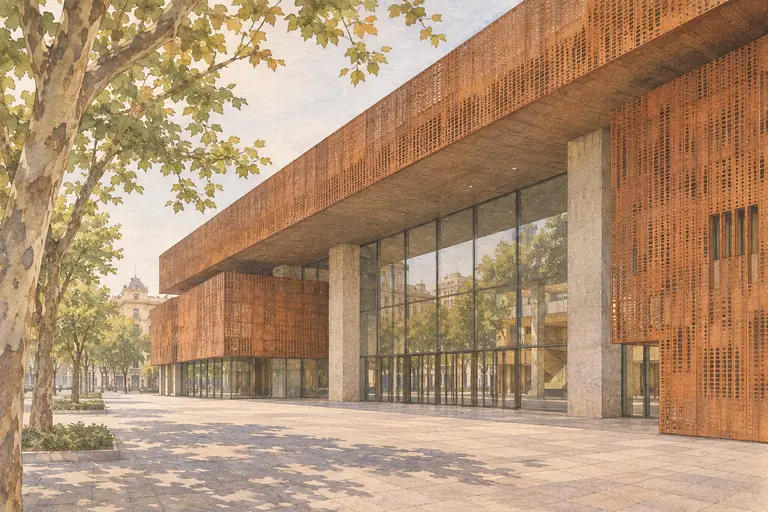
Before you go
- Find it
- Av. Libertador Bernardo O’Higgins 227, Santiago
- Visiting hours
- Buildings A and B daily 09:00–22:00. Main plazas daily 09:00–21:00. Gallery and event hours vary.
- Admission & costs
- Common areas are free. Check selected shows or activities for prices and registration.
Hours and admission may change. Check the official site before setting out.
Getting there
- On arrivalUse Universidad Católica (L1), north exit (salida norte). Pedestrian access from Alameda or José Ramón Gutiérrez.
A little consideration
Keep the through routes clear and follow each venue’s ticket and photography rules.
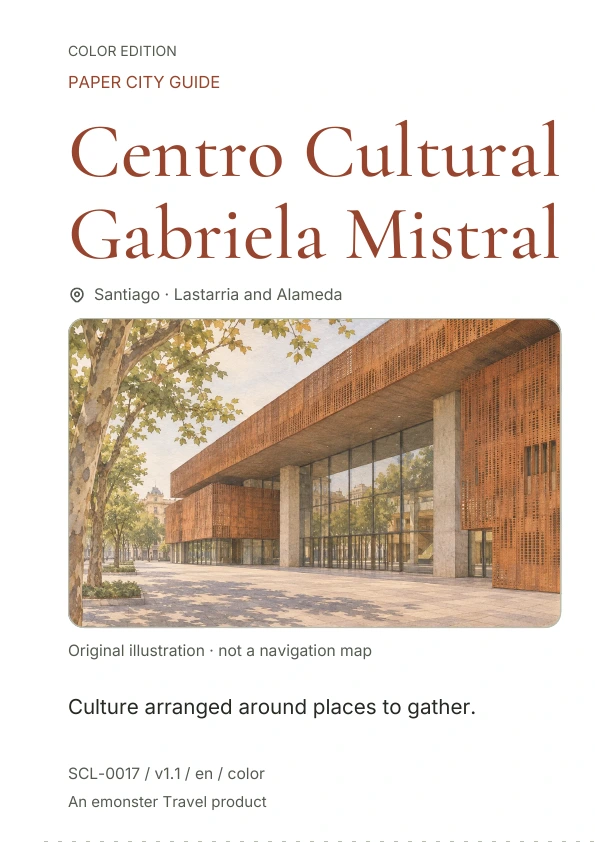
Cover preview
This preview shows the cover. The full printable guide is available after purchase.
Digital PDF. All eight languages, color and monochrome editions, and future updates included.
Prices include applicable tax. The displayed amount and currency are the checkout total. Stripe shows the tax breakdown at checkout.
One purchase includes every Santiago guide and future additions for the lifetime of the collection.
Prices include applicable tax. The displayed amount and currency are the checkout total. Stripe shows the tax breakdown at checkout.
Make it a pocket guide.
Choose an edition, print one page, and fold it into a small companion for your day.
Check your paper size and printer settings before printing.
Print one page
Choose page 1 for color or page 2 for monochrome. Use A4 or US Letter, portrait, and Fit to Page. Print single-sided, with duplex off.
Make two folds
With the printed side facing you, fold the right half behind the left along the vertical guide. Then fold the bottom half behind the top.
Open and explore
Open the folded guide once for practical details. Unfold it fully for context, QR links and your notes.